
Comment Converter makes it easy to view the items (posts, pages, etc.) followed by your followers from your WordPress site’s dashboard.
In this article, you’ll learn how to view the items followed by your followers in Comment Converter from your WordPress site’s dashboard.
1. Navigate to your WordPress site’s dashboard.
2. From the WordPress admin menu select Converter to access the Comment Converter dashboard.
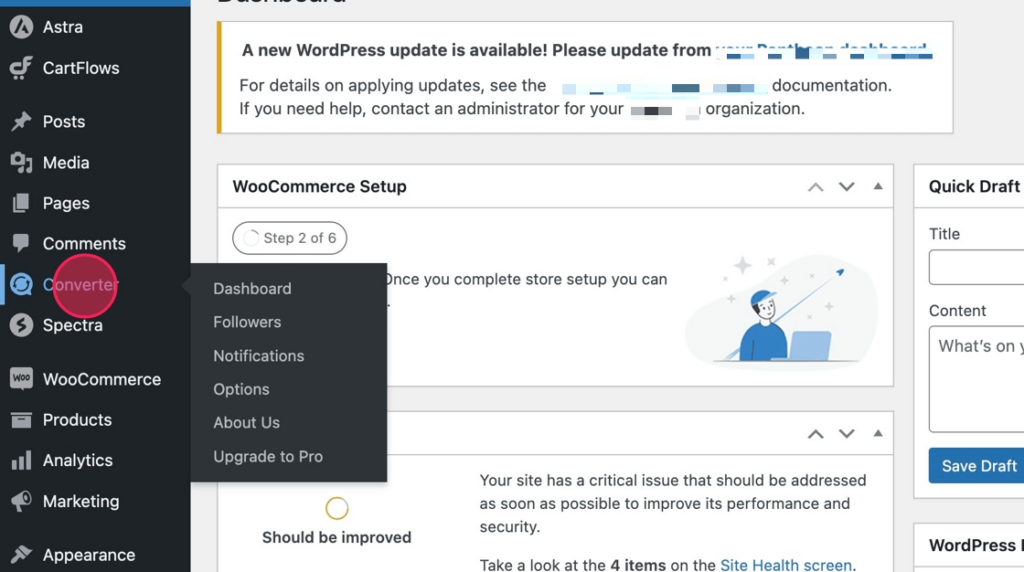
3. From the Comment Converter dashboard click Followers from the main menu.

4. From the list of followers click View Follows from any of the followers listed.
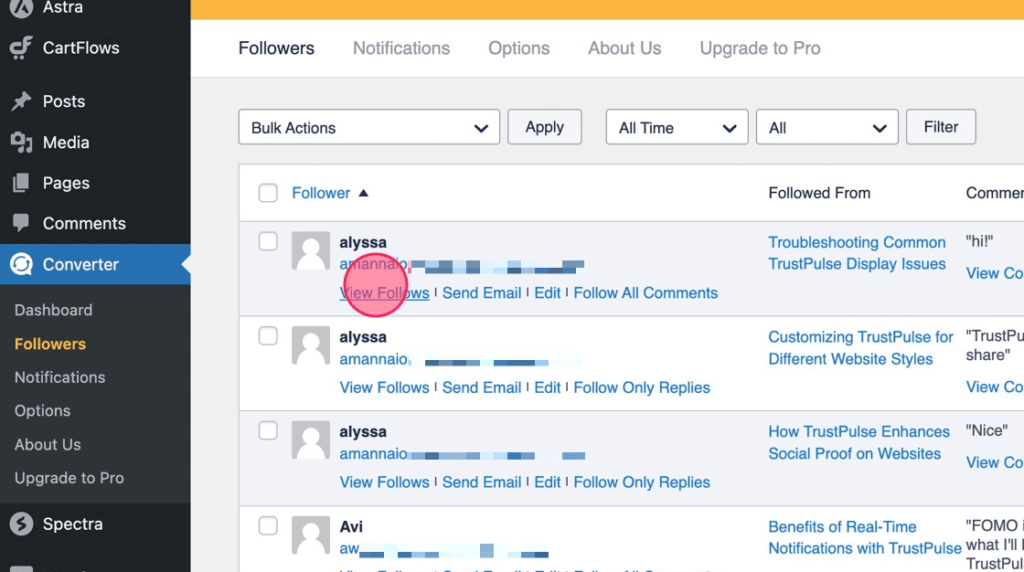
5. The list of posts followed by that follower is then revealed.
