
Comment Converter makes it easy to enable the following of comments and replies for product reviews in your WooCommerce store.
In this article, you’ll learn how to enable Comment Converter for your products and follow reviews and replies.
1. Navigate to your WordPress site’s dashboard
2. From the WordPress admin menu select Converter to access the Comment Converter dashboard.
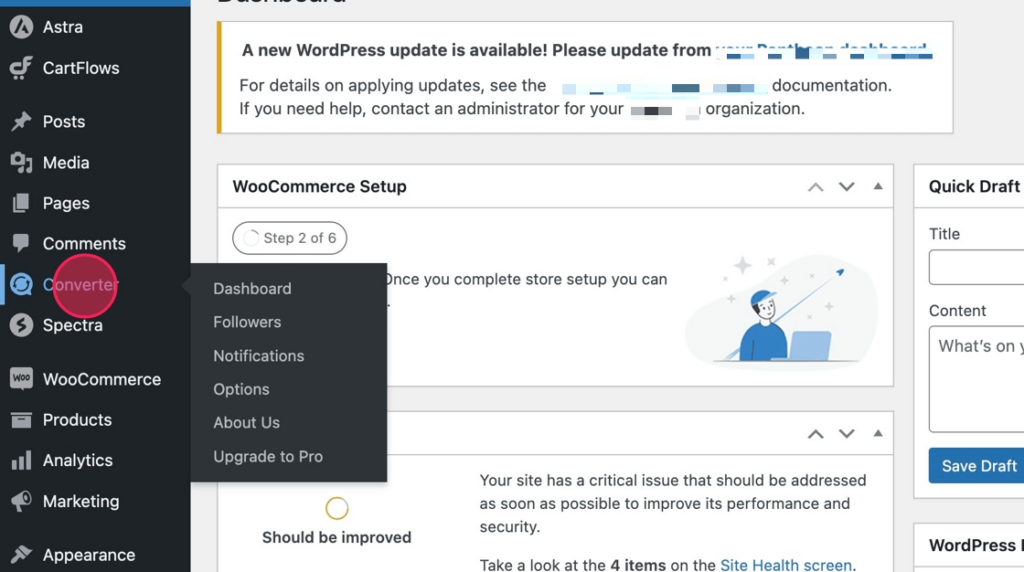
3. Next, from the dashboard, select the Options link from the Comment Converter menu

4. Next, select the Products option in the Enable Comment Convert on these types of content section.

5. Finally, scroll down and Update Settings

6. Your store products which previously just had just a Your Review text area would have changed after the update.

7. The Comment Converter Follow Comments dropdown will now be appended to allow all your customers who review your products to be followed.
